 10,000+ reviews
 Europe's online specialist for lamps
 Return within 30 days
Checkout using your account
Checkout as a new customer
Creating an account has many benefits:
- See order and shipping status
- Track order history
- Check out faster
How to pair a Zigbee bulb
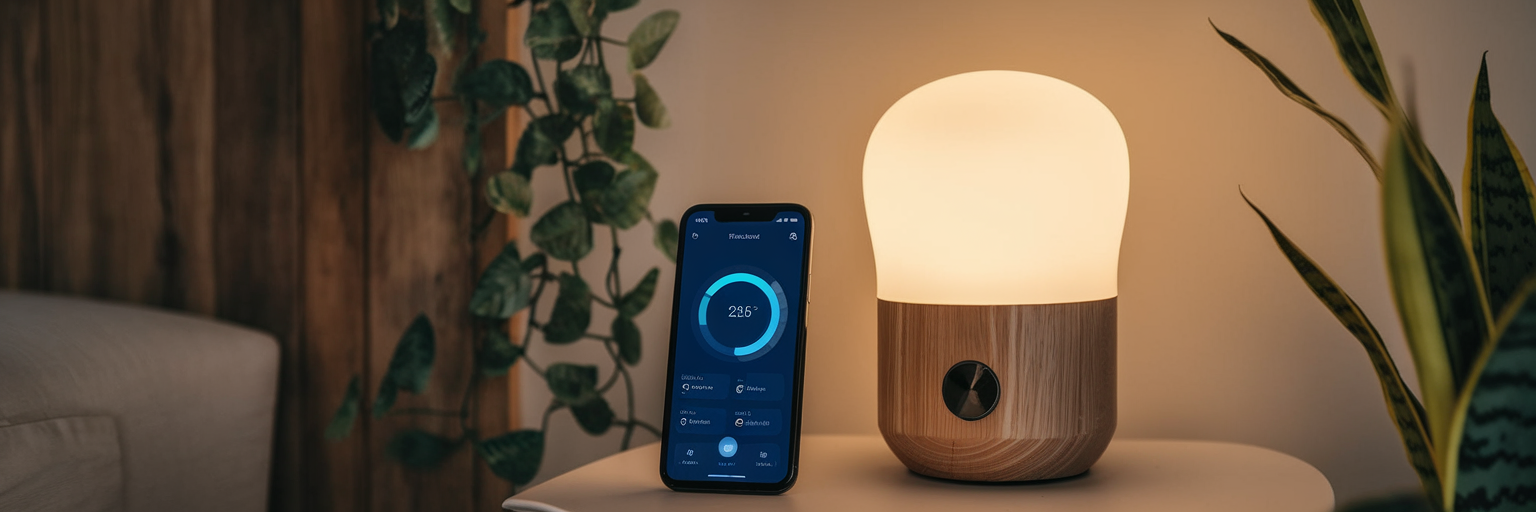
Pairing a Zigbee lamp is quick and easy when you know the steps. Zigbee lamps are smart lights you can control via your smartphone, voice assistant, or home automation system. But before you can enjoy the convenience, you’ll need to pair the lamp with a Zigbee bridge or hub. In this guide, we’ll walk you through the process step-by-step.
What you’ll need
- A Zigbee-compatible lamp (e.g. Philips Hue, INNR, etc.)
- A Zigbee hub or bridge (such as Philips Hue Bridge, Homey, Aqara Hub, or a Zigbee USB stick with software like Home Assistant)
- A smartphone with the correct app installed
- A stable Wi-Fi connection
Step-by-step installation guide
1. Place the lamp in the fixture
Screw the Zigbee lamp into a suitable light fitting and switch on the power. The lamp should start blinking or remain steadily lit – this means it’s ready to be paired.
2. Power on your Zigbee hub and connect it to your network
Ensure your hub is correctly connected (usually via an Ethernet cable to your router) and powered. Follow the manufacturer’s instructions to connect it to your Wi-Fi network.
3. Open your Zigbee system’s app
Depending on your setup, you might use the Philips Hue app, Homey app, or another compatible app. Open the app and make sure you are logged in or registered.
4. Add a new lamp
In the app, go to “Devices” or “Add Lamp” (the wording may differ per app). Select “Add new lamp” or a similar option. The app will now search for available lamps.
5. Wait for the lamp to be found
The lamp will be automatically detected. Once it appears in the list, select “Add” or “Pair.” You may also be able to name the lamp immediately, for example “Kitchen Lamp” or “Reading Lamp.”
6. Test the lamp
Try switching the lamp on and off via the app. If everything works as expected – congratulations, your Zigbee lamp is successfully paired!
Common issues (and solutions)
- Lamp not found: Reset the lamp (often by switching it on and off 5 times quickly) and try again.
- App shows an error: Check if your Zigbee hub is connected to the network.
- Lamp responds slowly: Ensure your Wi-Fi signal is strong, or move the hub closer to the lamp.
Why choose Zigbee lamps?
Pairing a Zigbee lamp is simple and quick. By making your lighting smart, you add comfort and convenience to your home – and you’re ready for the future of connected living.